What is Custom Notification?
Custom Notification is a customized notification where the admin can add recipients, subjects, and content.
Admin can be sent a custom notification when any important event occurs. custom notifications can be sent via a process in Process Builder, a Flow in Flow Builder, or an invocable action API
Available in: both Salesforce Classic and Lightning Experience
Available in: Essentials, Professional, Enterprise, Performance, Unlimited, and Developer Editions
Learn more about Salesforce Flow Bootcamp
How to Create a Custom Notification?
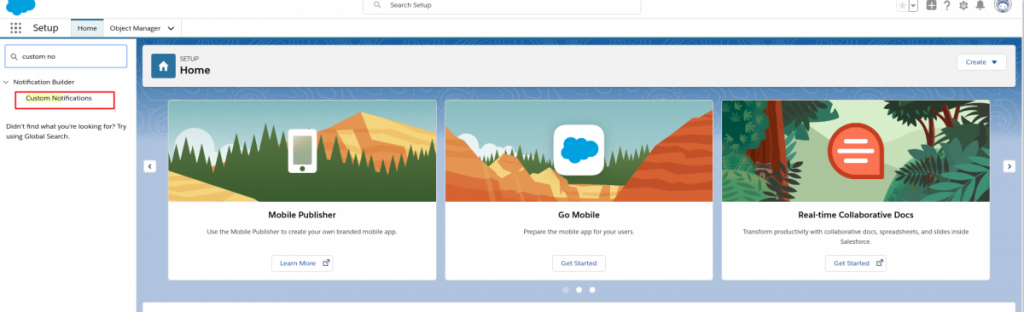
You can create a custom notification via Setup -> Notification Builder. Click New to create a new notification
Provide “Custom Notification Name” and “API Name” will be auto-populated.
Check both “Supported Channels” & Save
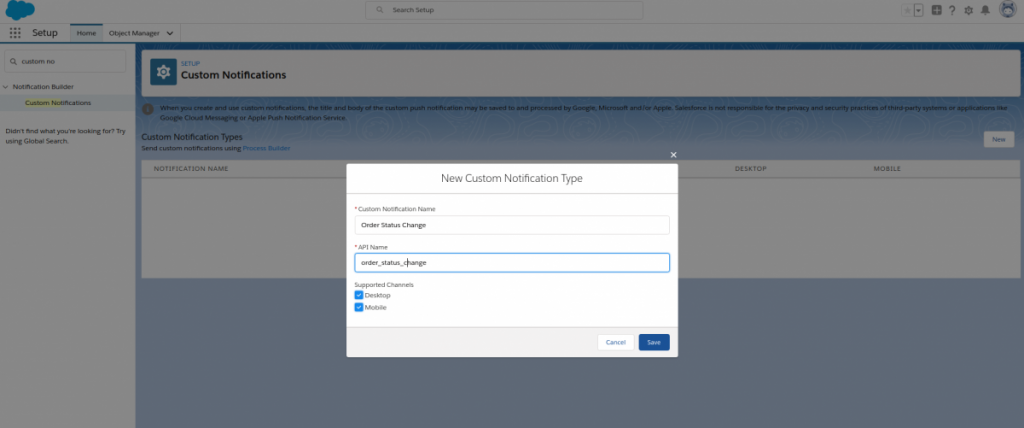
So finally, we created a custom notification & now let’s use flow builder to the send Notification.
Learn Flows with 20+ flow video Scenarios
Register for Salesforce Flow Bootcamp
Scenario:
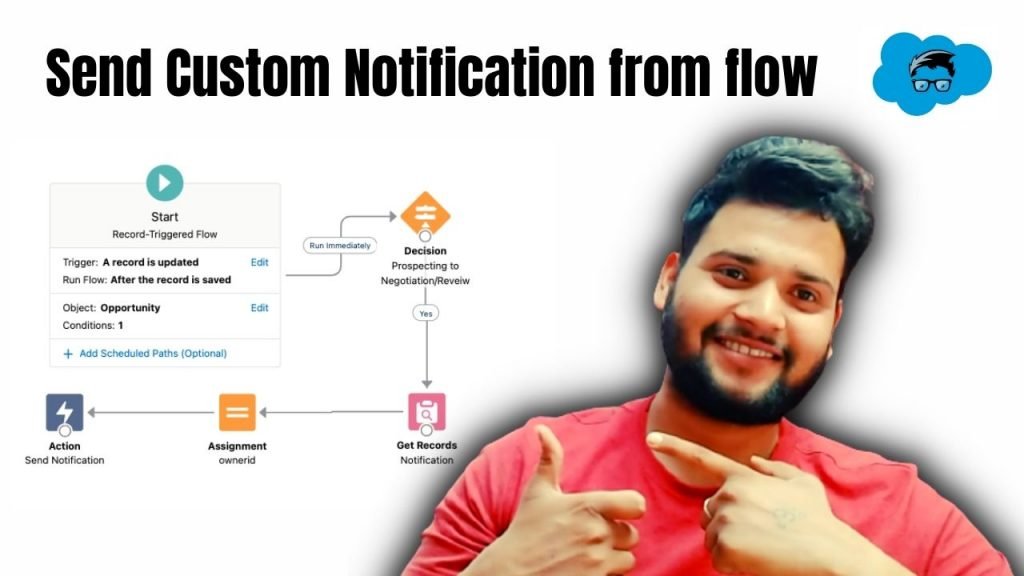
Create a Flow to send a custom notification when an opportunity record stage is changed from Prospecting to Negotiation/Review with Amount 1000.
Learn more about Flow Core Action: Send Custom Notification