In this blog, we’ll explore the Top Salesforce Summer ’26 Release Updates For Admins, their practical applications, and how they enhance user experiences.
Salesforce releases are major updates that include new features, improvements, and fixes designed to enhance the platform. They happen three times a year: Spring, Summer, and Winter.
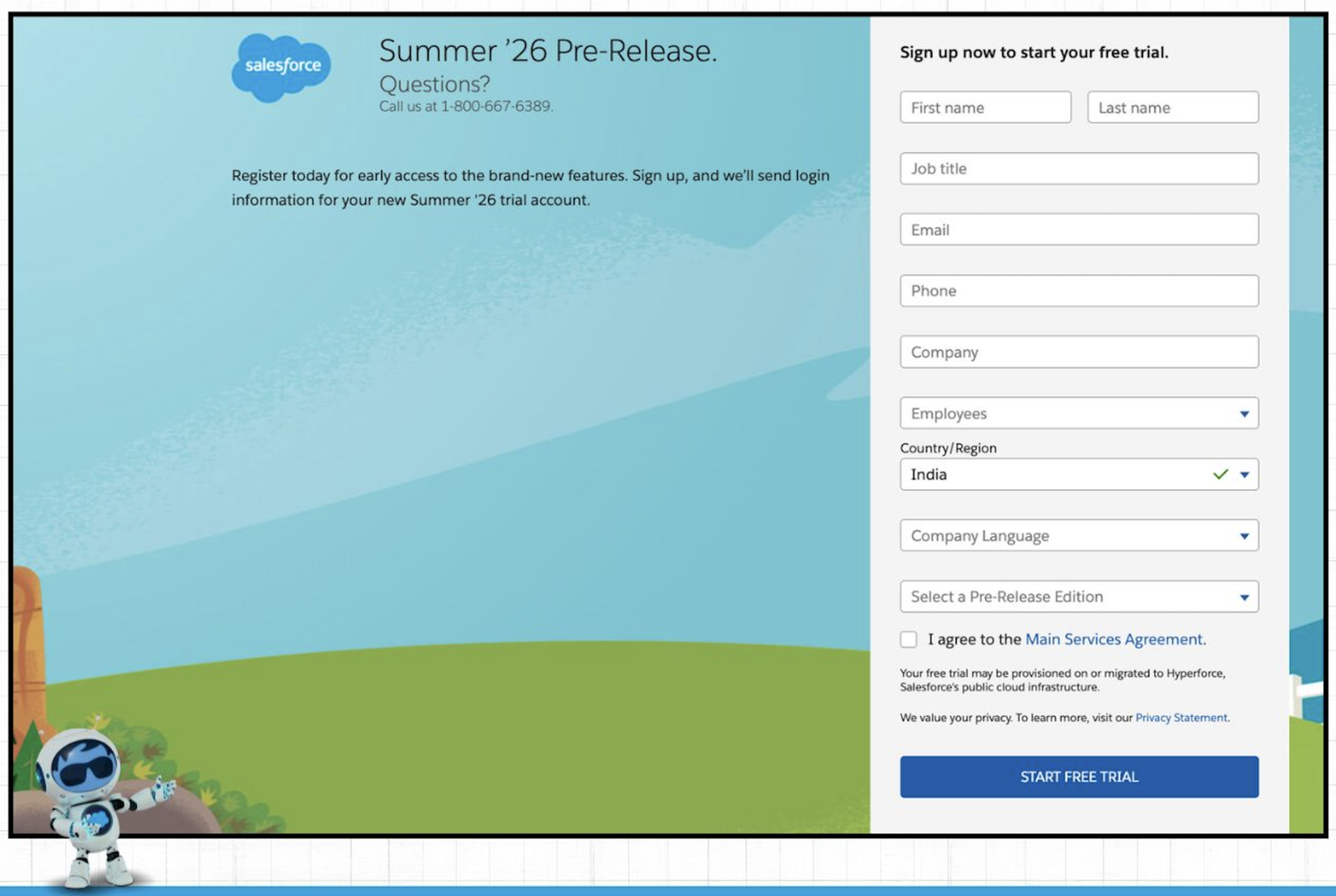
The pre-release org for the Salesforce Summer ’26 release is now available. You can sign up and explore all the new Flow features with hands-on practice by clicking here
1. Custom Branding & Theme in Reports & Dashboards
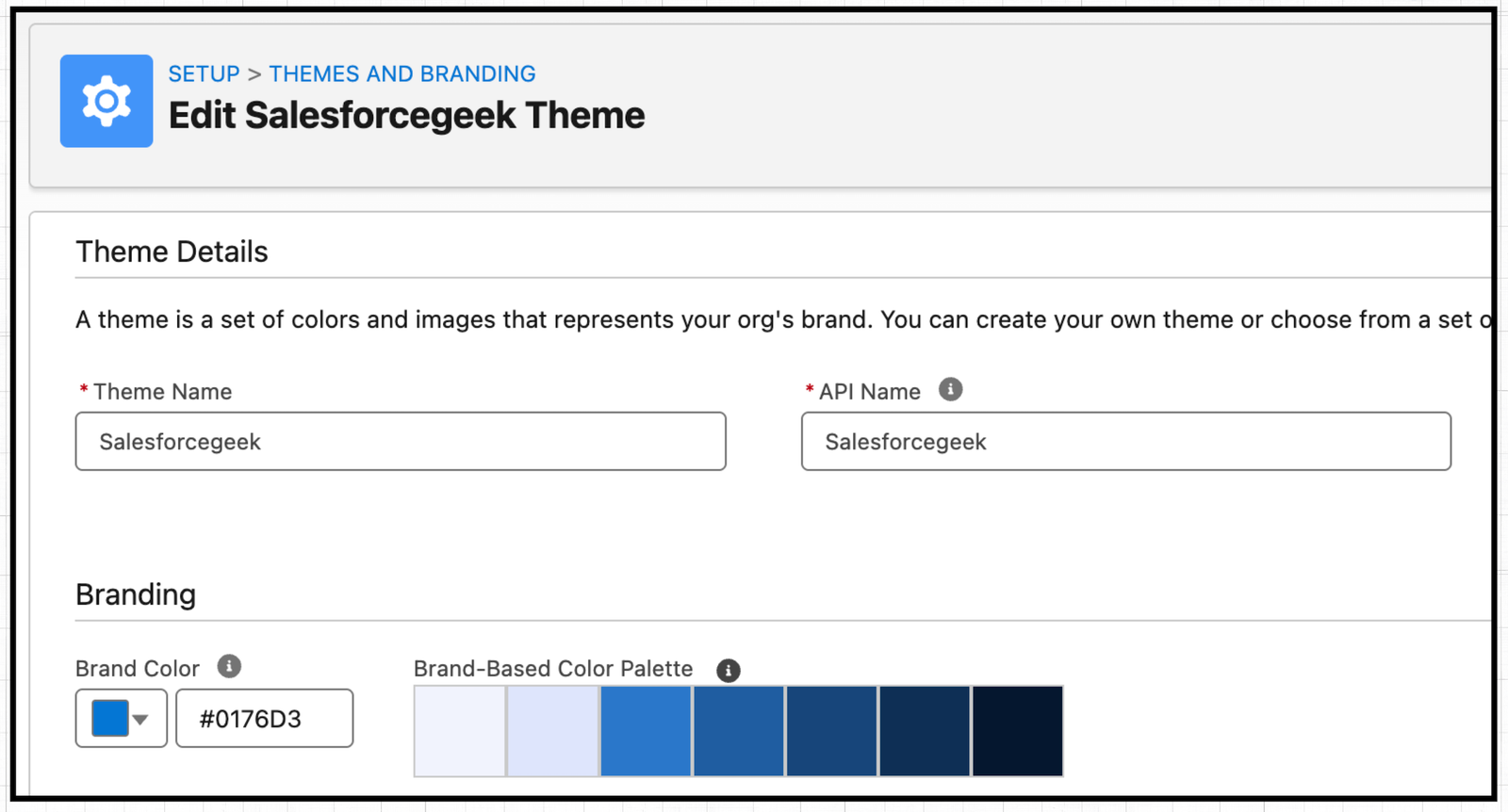
Starting with the Summer ’26 release, you can now apply your branding theme to Reports and Dashboards.
Once you set a default theme in Setup → Themes and Branding, it becomes available for use.
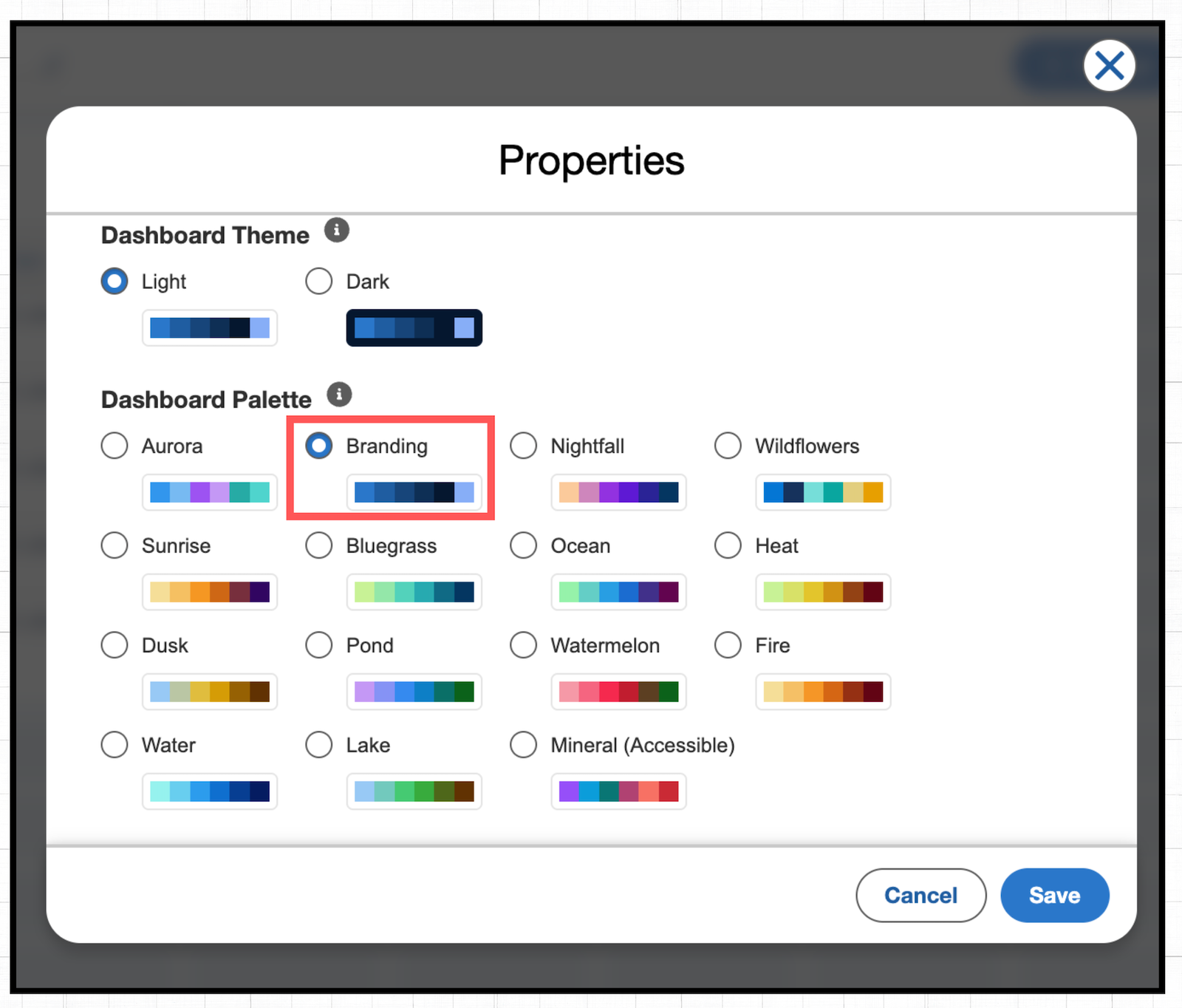
For Reports, just go to the Report Chart properties and select “Brand”. For Dashboards, open the Dashboard properties and choose “Branding” from the Dashboard Palette.
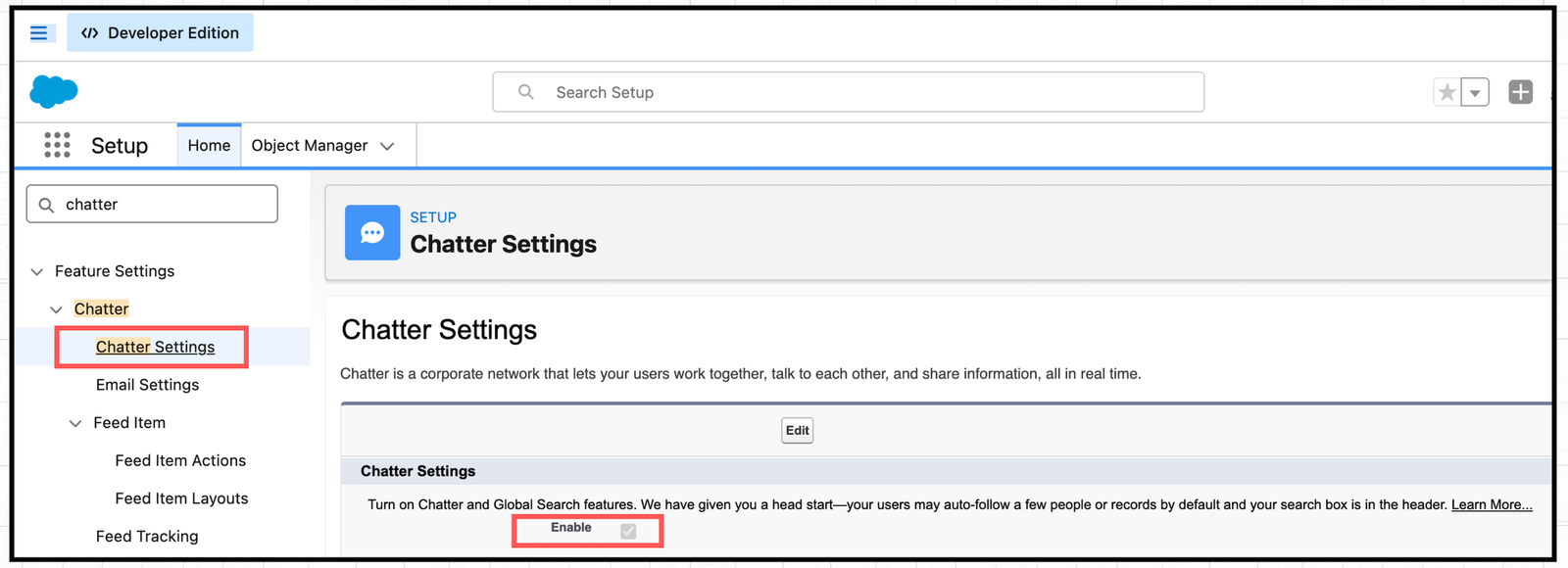
2. Chatter is Turned Off by Default in New Orgs
Starting with the Summer ’26 release, Salesforce changes the default Chatter setting so it no longer enables automatically. You now need to turn it on manually by going to Setup and navigating to Chatter Settings.
3. Review Field Access
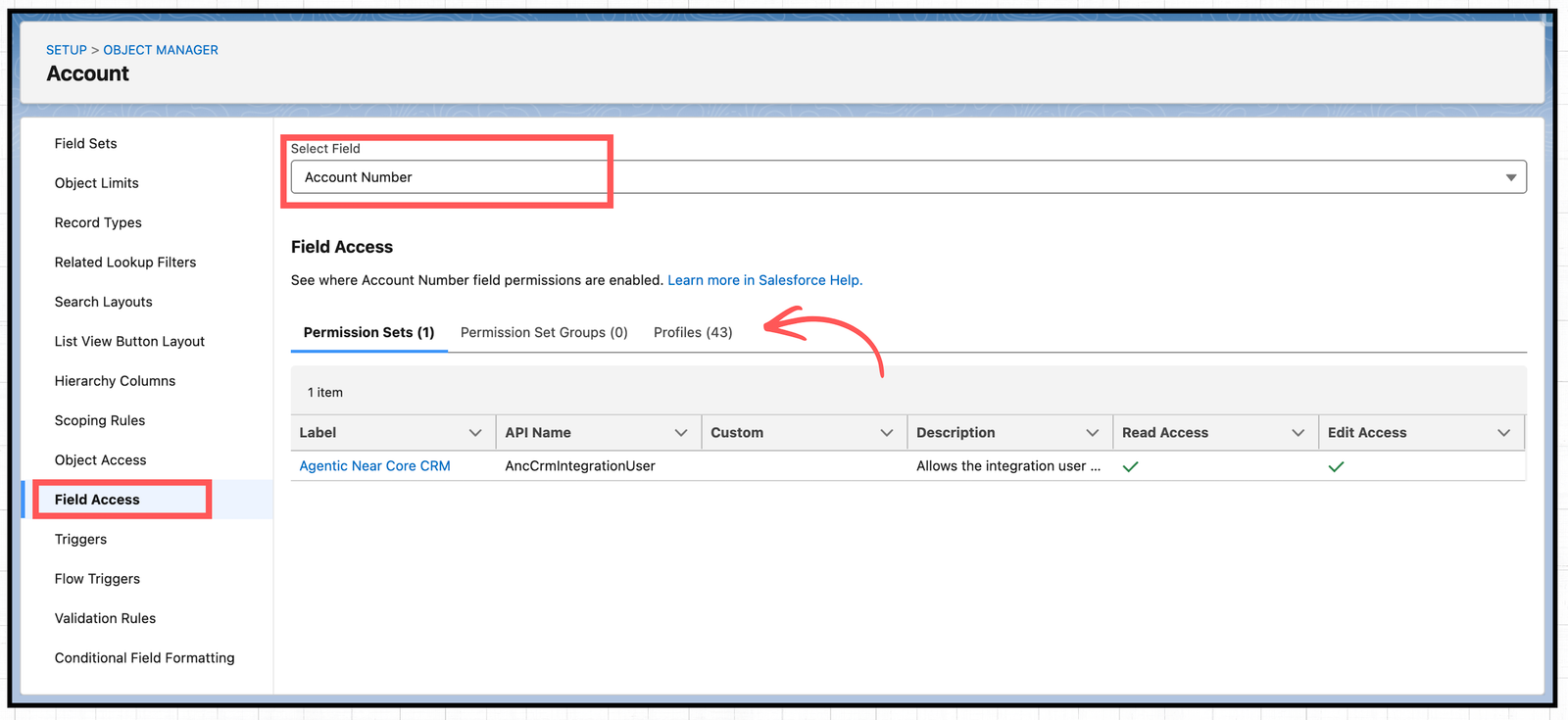
In the Summer ’26 release, a new “Field Access” tab appears at the bottom of each object in Object Manager. When you open it, you’ll see a new interface that shows all the object’s fields along with how access to each field is granted.
4. Track Permission Dependencies
Salesforce now clearly shows when related permissions also need updating as you modify user permissions, object access, or assigned apps.
Instead of making silent background changes, Salesforce displays everything at the time of the update, whereas earlier these changes stayed hidden and only appeared later in the Setup Audit Trail.
5. Slack Notifications for Approvals
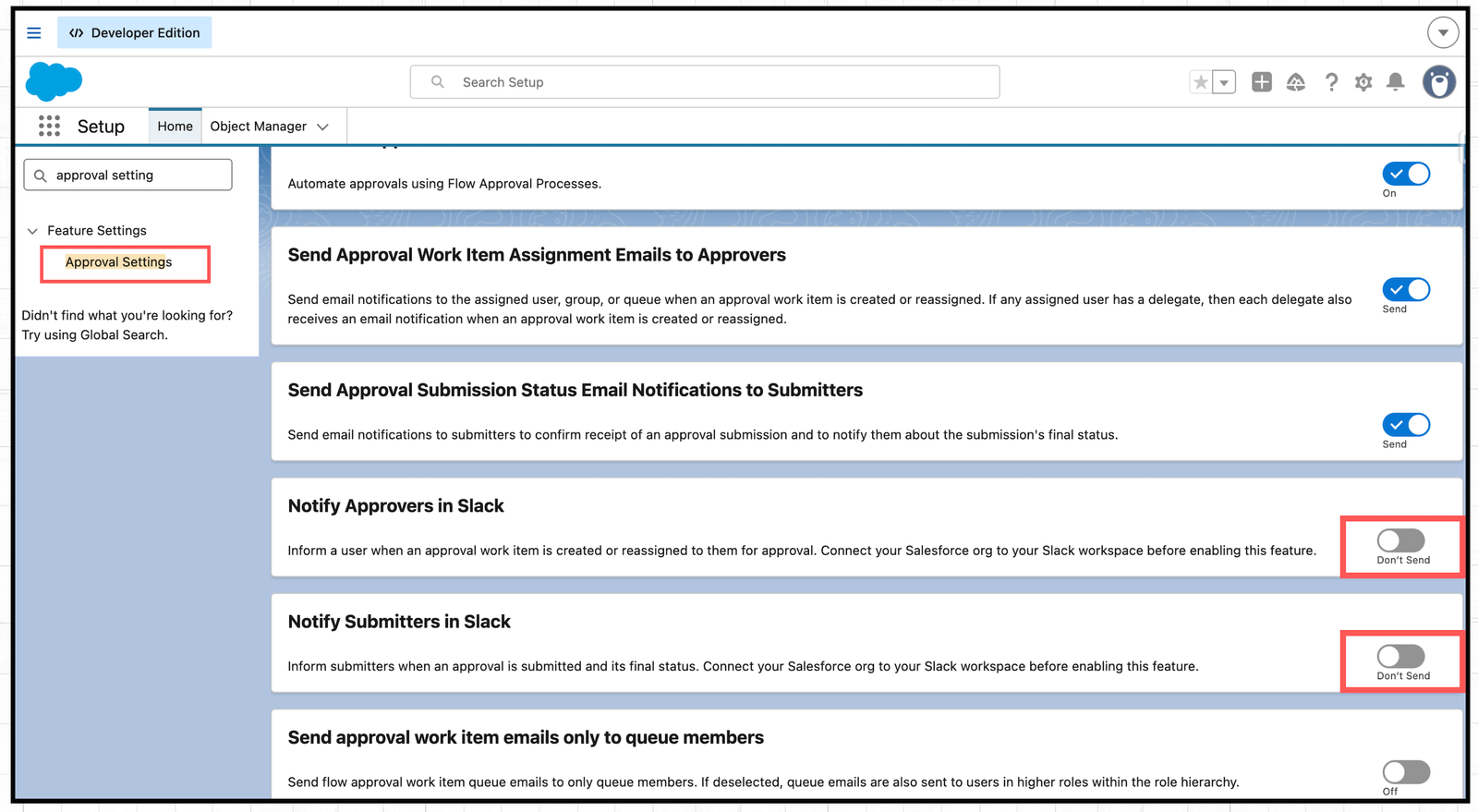
Salesforce now supports Slack notifications for approvals, allowing you to notify both approvers and submitters directly in Slack using two new settings in the Flow-based approval process.
6. New Lightning Record Page Component
Also Read – Top Flow Features in Salesforce Summer ’26 Release
Conclusion
We hope this overview of the Salesforce Summer ’26 release updates for admins helps you get a head start on exploring the new features. Which updates are you most excited about? We would love to hear your thoughts and experiences in the comments. Happy learning.